
Choose a branch
Apply for 18 Carbis Road or 22 Woodhouse Road.
Applications are accepted throughout the year, subject to available space.
View admissionsChoose a branch and class, prepare the required documents, and submit your application online or by email.
Applications are considered subject to available space. Submitting an application does not guarantee admission.
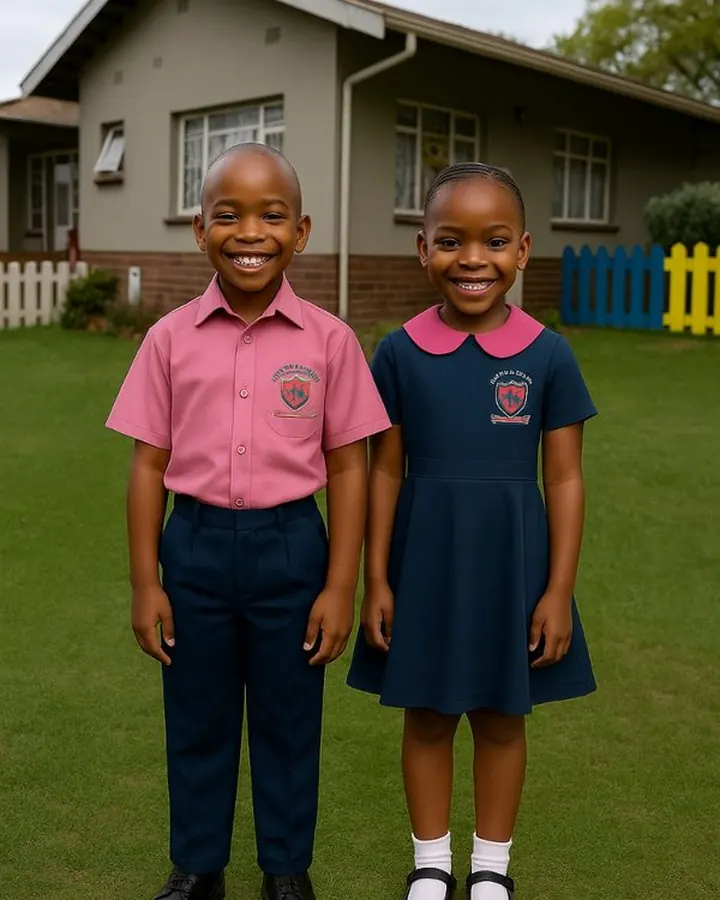
Apply for 18 Carbis Road or 22 Woodhouse Road.
Have clear PDF, JPG or PNG files ready.
The school receives the application by email.
The school reviews the application and replies manually.
Use these age ranges as a guide. Final placement depends on the school’s assessment and available space.
Care, comfort, routines and early development.
Movement, daily habits, play and growing independence.
Language, social interaction and active learning.
Early school readiness through guided activities.
Numbers, letters, shapes, colours and routines.
Structured preparation for formal primary learning.
CAPS-aligned reading, writing and mathematics.
Developing fluency, understanding and responsibility.
Strong foundations for progression to higher grades.
Submit the application and supporting documents online. The school reviews them and responds from its official email.
Enter the learner, parent or guardian and required application information.
Upload the required learner and parent or guardian documents.
The application and attachments are sent to the admissions email.
The school checks the application, supporting documents and available space.
The school contacts the parent using the details supplied in the form.
The form normally takes about 15 to 20 minutes when the documents are ready. Files must be PDF, JPG or PNG, no more than 5MB each and 15MB combined.
The fee document contains the 2026 amounts and payment information supplied by the school. Confirm the applicable class and branch before making a payment.
Select the preferred branch inside the application form.
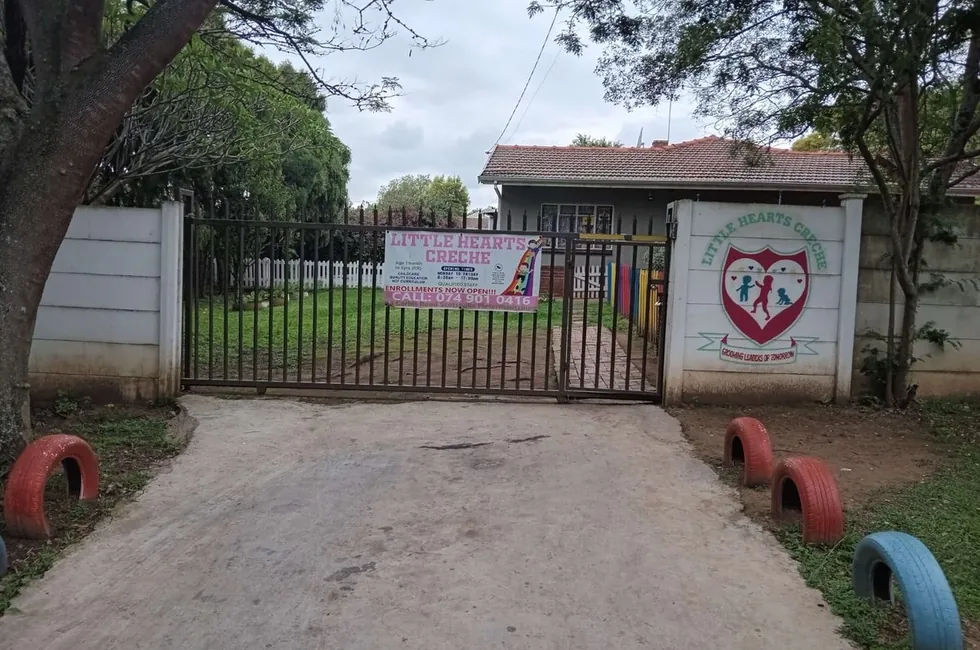
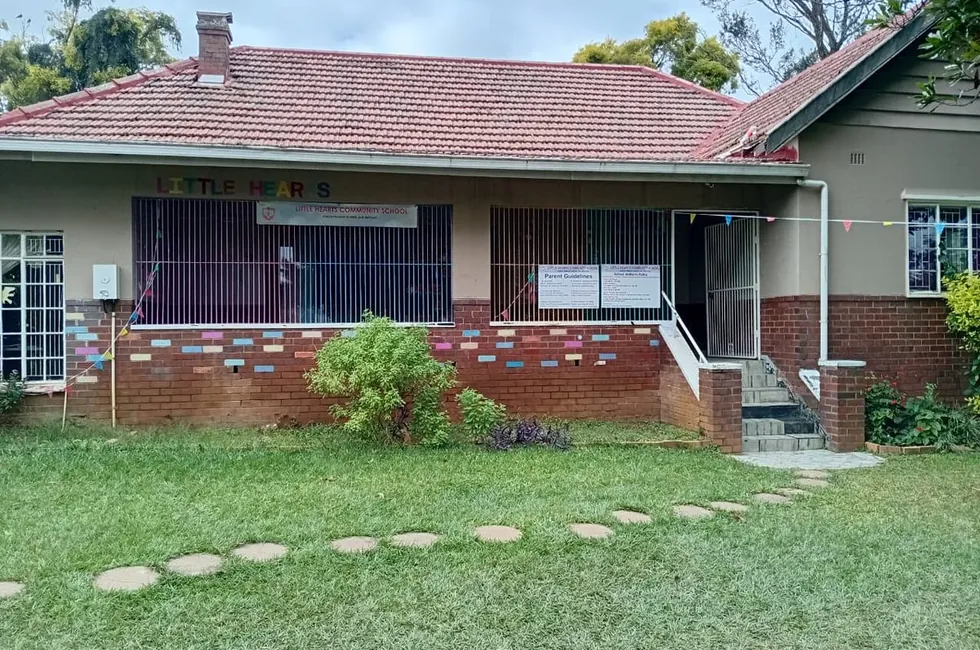
Find answers to common questions about submitting an application.
No. The school reviews the application, supporting documents and available space before making a decision.
Yes. Applications may be submitted during the year, subject to available space.
Yes. Download the printable form, complete it and email it with the supporting documents to admissions@littlehearts.org.za.
The school reviews the application and replies manually using its official school email.
The online form accepts genuine PDF, JPG and PNG files. Each file must be no more than 5MB, with a 15MB combined limit.
The school will review the submission and contact you directly.